macOS
.dmg
Requires macOS 11 or later
Apple Silicon
Download
SVNexus_0.1.4_aarch64.dmg
All installers
SVNexus_0.1.4_aarch64.dmgSUBVERSION DESKTOP CLIENT
SVNexus is a cross-platform Subversion client built on Tauri. The full command set, side-by-side diffs, commit history, and parallel workspaces — without memorizing another svn subcommand.
Downloaded straight from GitHub Releases. No account needed.
DOWNLOAD
Version info is pulled live from GitHub Releases, so it always points at the newest build.
.dmg
Requires macOS 11 or later
Apple Silicon
SVNexus_0.1.4_aarch64.dmg
All installers
SVNexus_0.1.4_aarch64.dmg.msi · .exe
Requires Windows 10 or later
x64 · arm64
SVNexus_0.1.4_x64-setup.exe
.deb · .rpm · .AppImage
GTK 3 distributions
x64 · arm64
SVNexus_0.1.4_amd64.AppImage
FEATURES
The subcommands you already know, as something you can see and click.
Checkout, commit and update, but also switch, merge, relocate, copy and move — each with a place to click.
A built-in code editor for reading local changes line by line, or comparing against any revision.
Browse the log, see which paths each revision touched, and open a snapshot of that revision.
Conflicted files are detected and walked through step by step, instead of hunting for merge leftovers by hand.
Group multiple working copies and switch between them with top tabs, without one interfering with another.
Lock and unlock directly, and see who currently holds a lock.
Read and edit SVN properties on files and directories, including versioned ones.
Both themes ship in the box, and the app can follow your system appearance.
DIFFS
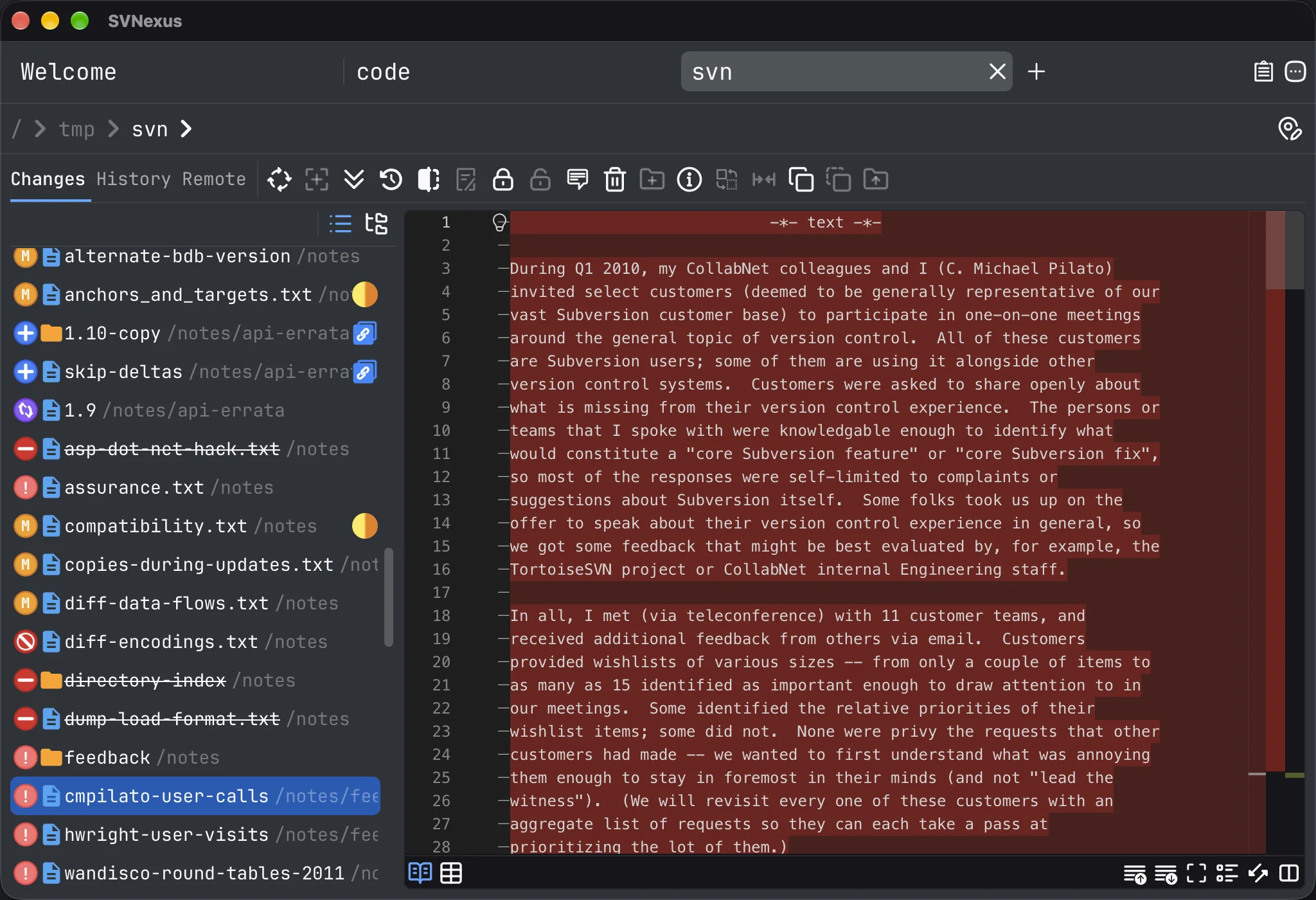
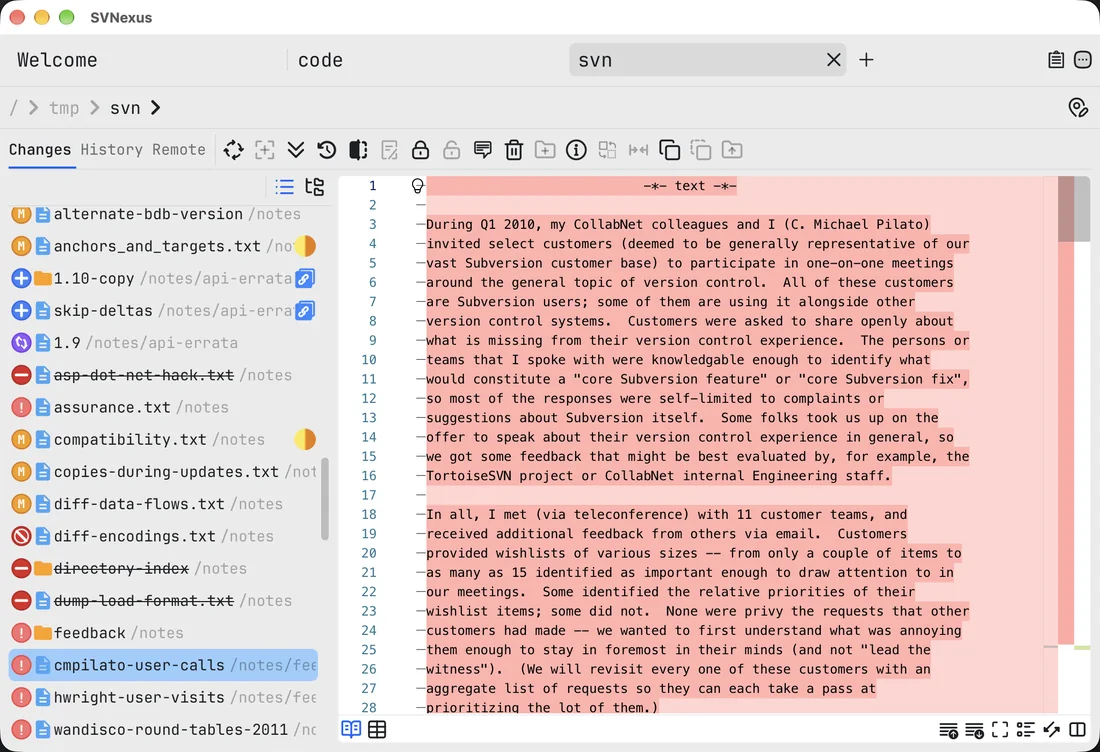
Double-click any modified file to open the diff view. Added and removed lines are coloured separately, while the tree on the left keeps file status in view — including files that aren't under version control yet.
WORKSPACES
Each working copy gets its own tab, keeping its own connection, authentication state and dialogs. Switching tabs is like switching windows — unfinished work in one never leaks into another.
Free and open source under AGPL-3.0. Download and run it — no account required.